


Table of Contents
- What Is a Trade Calculator?
- How It Works
- Standard vs Dynasty: Which One Do You Need?
- How Scoring and Format Change the Result
- A Worked Example
- What Makes a Good One
- Four Types to Know
- Benefits
- When to Use One
- Calculator vs Trade Analyzer
- Common Mistakes
- Making Fair Offers
- Tips for Better Results
- Frequently Asked Questions
- Conclusion
- Related Guides
A trade calculator (often shortened to trade calc) adds up the value of every player and draft pick on both sides of a fantasy football trade and shows which side comes out ahead. Use one before you accept or send an offer, so the decision rests on numbers instead of gut feeling. It works for redraft leagues, and a dynasty trade calculator does the same job for leagues where you keep players for years.
What Is a Trade Calculator?
It is a tool that turns players and picks into values so you can compare them. It uses stats, projections and your league’s scoring rules, then shows a side-by-side comparison and the gap between the two totals.
How It Works
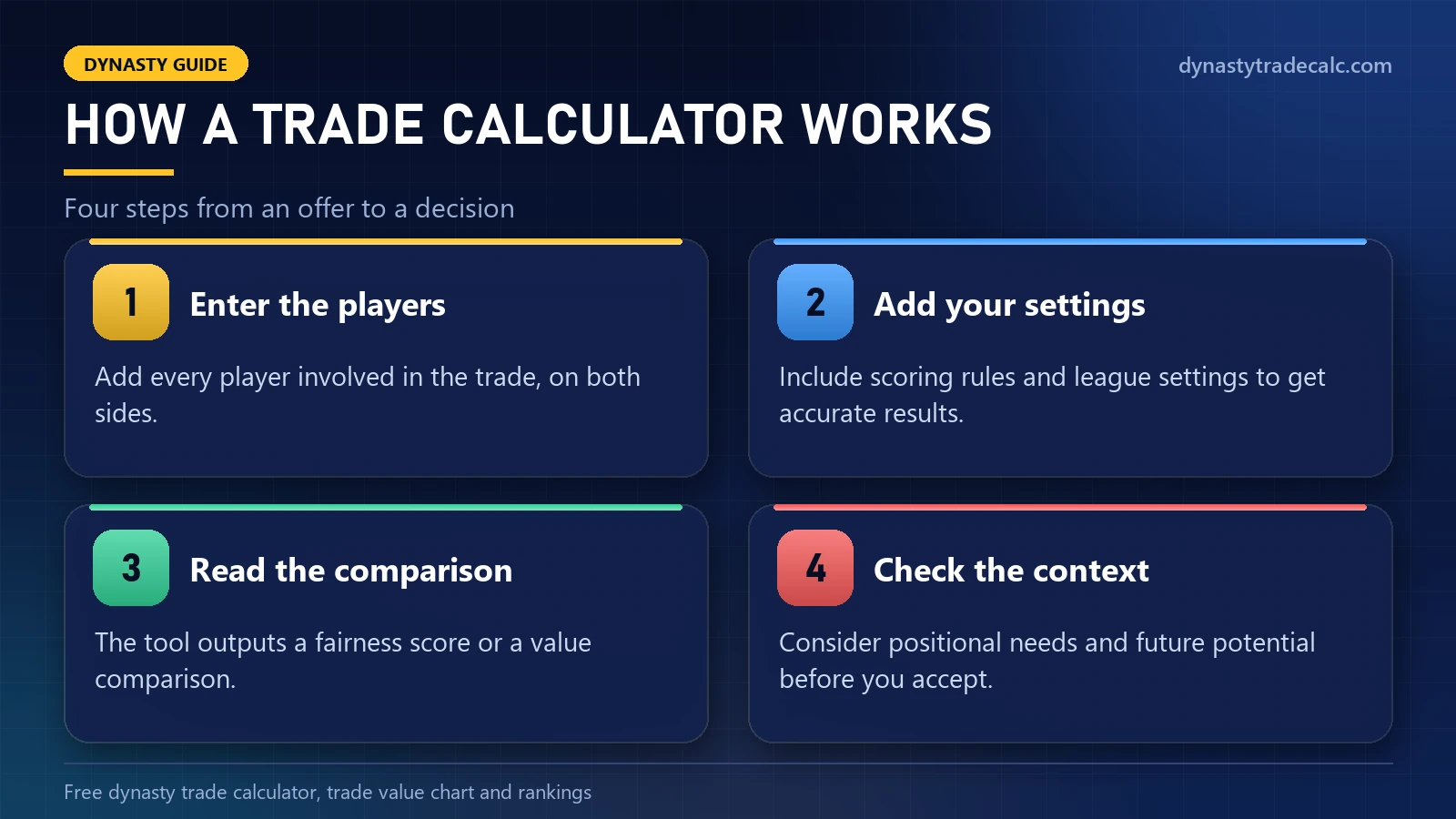
- Enter the players (and picks) on each side.
- Add your settings: scoring and lineup format.
- Read the comparison: the total on each side and the gap.
- Check your roster before you decide.
Standard vs Dynasty: Which One Do You Need?
Both compare two sides of a deal. The difference is how far ahead they look:
| Question | Standard calculator | Dynasty calculator |
|---|---|---|
| What it measures | Current-season stats and projected points | Age, potential growth and long-term value |
| Best for | Leagues that redraft every year | Leagues where you keep your roster |
| Rookies and picks | Matter little | Matter a lot |
| Main risk | Missing a player’s future value | Overlooking points you need this season |
If your roster resets every year, a standard tool is enough. If you keep players, use our free dynasty trade calculator, which values age and picks and needs no account.
How Scoring and Format Change the Result
The same two players can swap places depending on your rules. In PPR, each catch adds a point, so slot receivers and pass-catching backs rise. In Superflex, teams can start two quarterbacks, which pushes every starting passer far up the board. Tight end premium lifts the few tight ends who earn steady targets. Set these first, or the result will look confident and still be wrong. Our Superflex guide and PPR guide explain the two biggest effects.
A Worked Example
You are offered two solid starters for your best wide receiver. The calculator shows the two players adding up to slightly more than your receiver, so the totals favour you. Now count your lineup. You replace one great player with one good one, and the second player sits on your bench. The other manager gets the best player in the deal and opens a roster spot. Unless injuries have left you short of starters, that trade usually helps the other side. The number started the decision; your lineup finished it.
What Makes a Good One
- League settings: scoring, lineup and roster size.
- Current values that react to injuries and role changes.
- Multi-player trades with both totals shown.
- Draft picks for keeper and dynasty leagues.
Four Types to Know
- Redraft: values this season only, using weekly projections and the playoff schedule.
- Dynasty: adds age, rookie picks and how long a player stays useful.
- Keeper: weighs this season plus what it costs to keep a player next year.
- Superflex: raises quarterbacks, because most teams start two.
Pick the one that matches your league. Using the wrong type is the most common reason a result looks clear and still points the wrong way.
Benefits
The main benefit is a calm, neutral number. It shows potential losses before you finalise a deal, speeds up negotiations and stops emotional trades after one big week. Doing the same comparison by hand is slow and error-prone, especially with several players and picks on each side.
When to Use One
- Before you send an offer, so your opening proposal is fair and gets a reply.
- When an offer arrives, before you answer.
- After big news, such as an injury or a depth-chart change, when values move fast.
- Before the trade deadline, when contenders pay most for points.
Calculator vs Trade Analyzer
A calculator answers one question: is the value on both sides close? An analyzer adds a second: does the trade improve my team? Use the calculator first to find a fair price, then look at your starting lineup, bye weeks and depth before you accept.
Common Mistakes
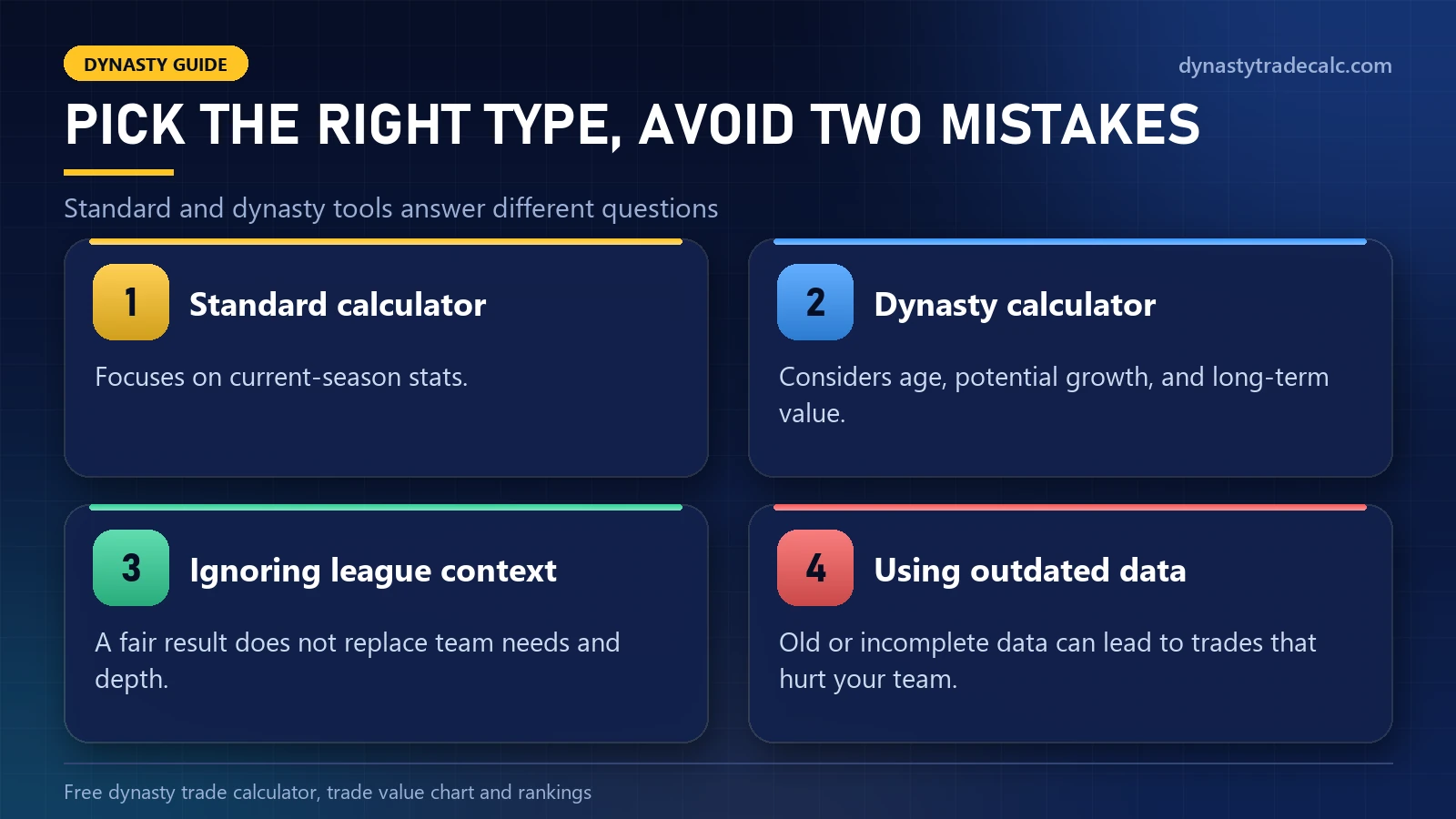
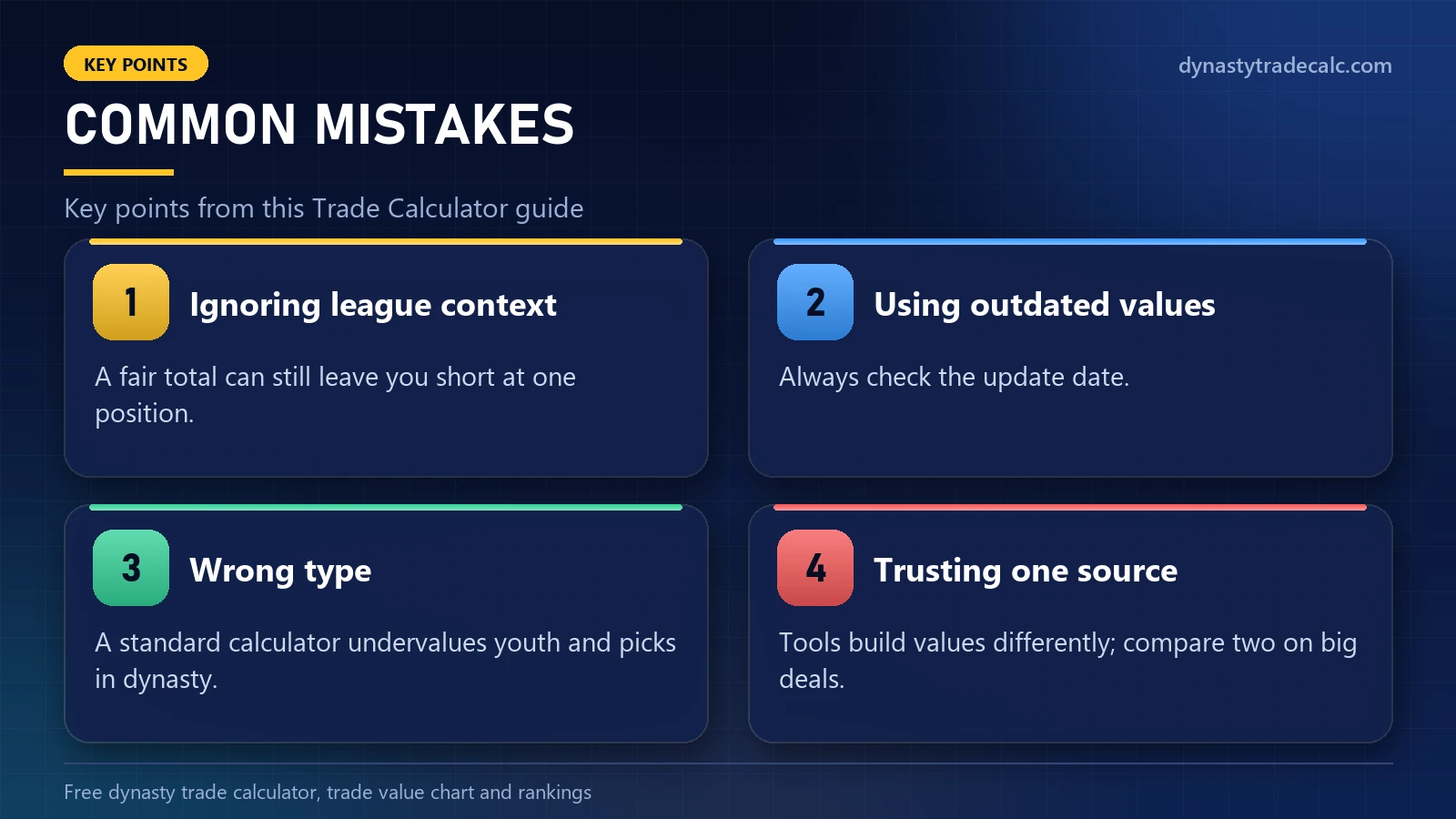
- Ignoring league context. A fair total can still leave you short at one position.
- Using outdated values. Always check the update date.
- Wrong type. A standard calculator undervalues youth and picks in dynasty.
- Trusting one source. Tools build values differently; compare two on big deals.
More examples are in the biggest dynasty trade mistakes.
Making Fair Offers
Fair offers get accepted; lowball offers end conversations and make the other manager wary of you for the rest of the season. Start from what the other team needs, offer from the position where you have more starters than lineup spots, and keep the two totals close. If the gap is small, add a later pick rather than another player, because picks are easy to accept and do not cost the other side a roster spot.
Tips for Better Results
Combine numbers with research: check trends, injuries and team situations. For the roster side of a deal, a trade analyzer adds your lineup to the comparison; see our trade analyzer guide. For building and countering offers, see the fantasy trade calculator guide.
Frequently Asked Questions
What is a trade calculator in fantasy football?
It is a tool that adds up the value of every player and pick on both sides of a trade and shows which side comes out ahead. It gives you a neutral check before you accept or send an offer.
Is a trade calc the same as a trade calculator?
Yes. Trade calc is just the short name many managers use. Whatever you call it, the tool does the same job: it compares the two sides of a fantasy trade.
Can I use a trade calculator for dynasty leagues?
Yes, if it has dynasty values. Dynasty tools weigh age, rookie picks and future seasons, while standard tools focus on this season, so pick the type that matches your league.
Are fantasy trade calculators free?
Many are. Ours is free with no account, and several other sites offer free calculators too. Paid tools mostly add league syncing and extra reports.
Should I accept every trade the calculator calls fair?
No. A calculator shows numbers but cannot see your team needs or depth. Even when a trade looks fair, check positional needs, injuries and your lineup before you accept.
Why do trade calculators give different answers?
They build values differently: from projections, crowd votes, completed trades or expert rankings. Check a second source when a trade is big or the result is close.
What should redraft leagues use to check a trade?
Tools built for redraft leagues value the current season only. Choose a trade calculator redraft setting for leagues that reset every year, and a dynasty one for leagues that carry over.
Conclusion
A trade calculator gives every offer the same fair check. Pick the type that matches your league, enter every player and pick, read the gap and then look at your lineup. That habit alone will save you from most bad trades.
Related Guides
Compare With Other Sources
Our values are estimates, not quotes. It is good practice to compare a trade against KeepTradeCut crowd-sourced dynasty values and FantasyCalc as well.
