


Table of Contents
- Quick Start: Five Steps
- Step by Step: How to Use a Dynasty Trade Calculator
- Where Trade Values Come From
- How to Read the Result
- Multi-Player Trades
- Create a Buy and Sell Range
- Three Short Case Studies
- Common Mistakes
- Frequently Asked Questions
- Conclusion
- Compare With Other Sources
- Related Guides
This guide shows how to use a dynasty trade calculator from start to finish: which settings to choose, how to enter a trade, how to read the result and how to avoid the mistakes that cost managers value. Our free dynasty trade calculator needs no account, so you can follow along with a real offer.
Quick Start: Five Steps
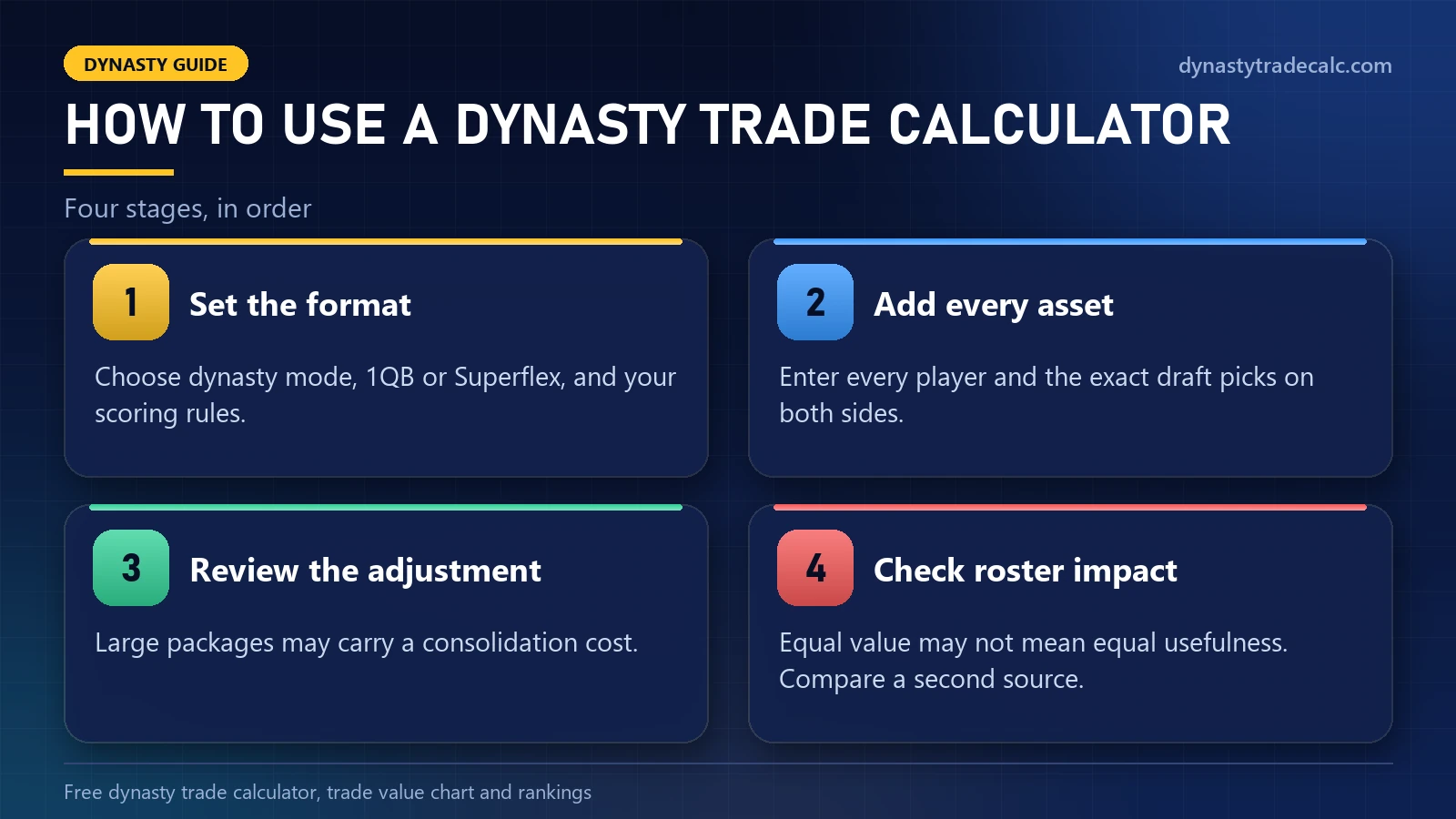
- Choose your lineup format: 1QB, Superflex or 2QB.
- Choose your scoring: standard, half-PPR or full PPR.
- Add every player and pick on both sides of the offer.
- Read both totals and the gap between them.
- Check your roster before you accept, counter or decline.
That is the whole process. The rest of this guide explains how to use the dynasty trade calculator well at each step.
Step by Step: How to Use a Dynasty Trade Calculator
This workflow works with almost any tool:
| Step | Action | Why it matters |
|---|---|---|
| 1 | Choose dynasty mode | Redraft values ignore long-term usefulness |
| 2 | Set 1QB or superflex | Quarterback value changes sharply |
| 3 | Select scoring rules | PPR and tight-end premium affect positions |
| 4 | Add every player | Missing assets produce misleading totals |
| 5 | Add exact draft picks | Early and late picks have different value |
| 6 | Review value adjustment | Large packages may require consolidation costs |
| 7 | Check roster impact | Equal value may not mean equal usefulness |
| 8 | Compare another source | A second opinion reveals unusual valuations |
Settings come first because they change values the most. A 1QB setting undervalues every quarterback in a Superflex trade, and PPR raises receivers and pass-catching backs. Use the dynasty trade calculator only after it matches your league.
Where Trade Values Come From
Calculators build values in different ways: some from crowd opinions, some from completed trades, some from expert rankings. That is why two tools can disagree on the same deal. When you use a dynasty trade calculator for a big trade, check a second source such as KeepTradeCut crowd-sourced dynasty values or FantasyCalc. Our own approach is on the methodology page.
How to Read the Result
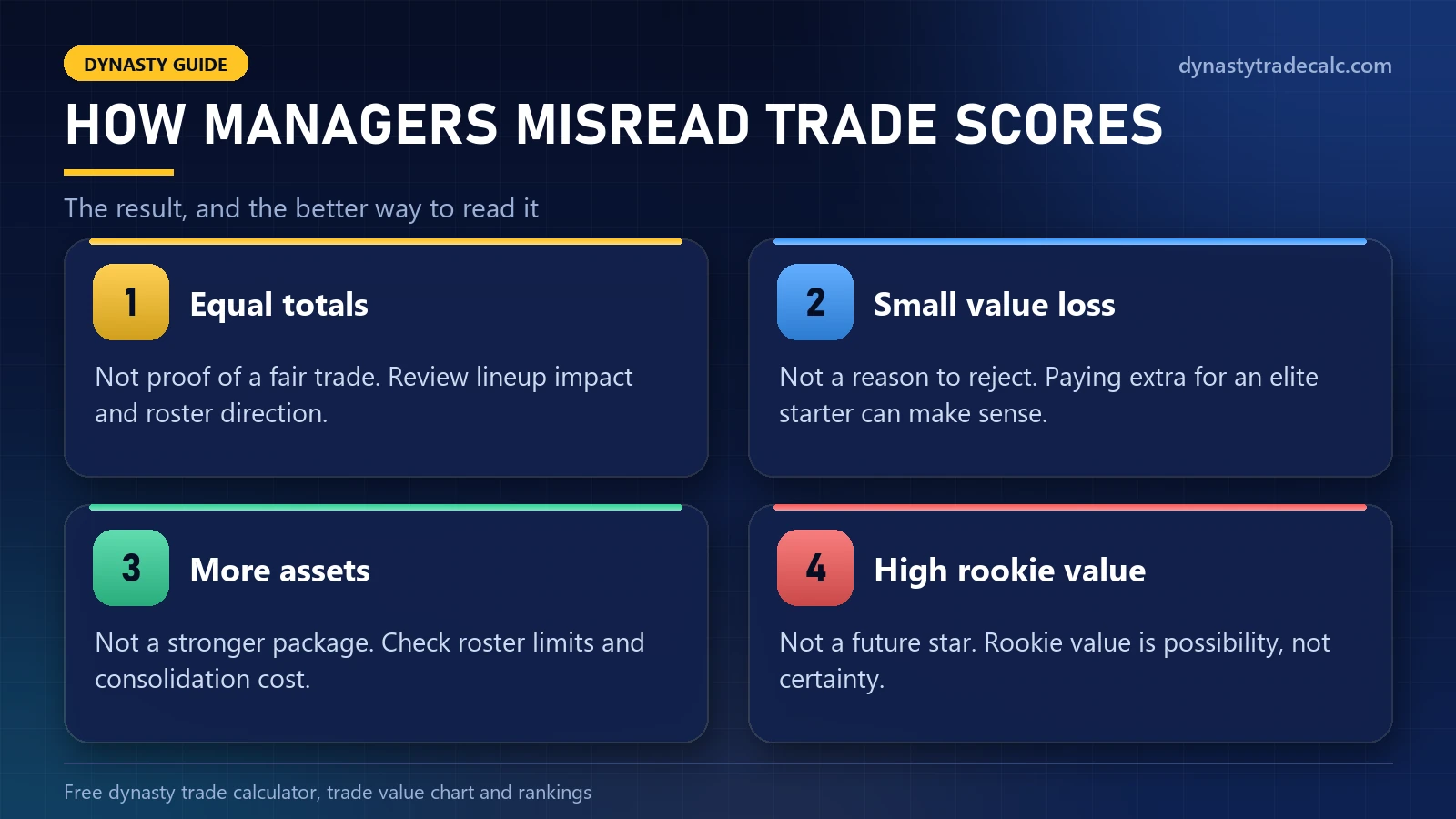
Imagine the calculator shows 20,000 for one side and 19,300 for the other. The gap looks small, but if the lower side gets the best player in the deal, it may be the better trade, because only starters score. These are the most common misreadings:
| Calculator result | Incorrect conclusion | Better interpretation |
|---|---|---|
| Equal totals | The trade must be fair | Review lineup impact and roster direction |
| Small value loss | The deal must be rejected | Paying extra for an elite starter can make sense |
| Large number of assets | The package must be stronger | Check roster limits and consolidation cost |
| High rookie value | The prospect will become a star | Rookie value represents possibility, not certainty |
| Falling veteran value | The player has become useless | He may still deliver valuable weekly points |
Multi-Player Trades
Long lists of players look generous, but several average assets rarely equal one star. When you use a dynasty trade calculator on a package, count how many incoming players would actually start, and remember that the other team needs roster space for everything you send.
| Trade format | Main benefit | Main difficulty | Best approach |
|---|---|---|---|
| Two-for-one | Consolidates value into a stronger starter | Requires an overpayment | Focus on the best player |
| Three-for-two | Can fix several roster needs | Extra assets hide true value | Evaluate each incoming starter |
| Pick-heavy deal | Preserves future flexibility | Pick positions remain uncertain | Use realistic draft ranges |
| Three-team deal | Solves needs that two teams cannot match | More moving parts can cause confusion | Calculate each team separately |
Create a Buy and Sell Range
Do not treat one number as a fixed price. If a receiver shows 6,000, you might buy at 5,500, treat 6,000 as fair and sell only above 6,500. A range gives you room to negotiate and stops you making emotional decisions mid-conversation. The best dynasty trade calculator guide explains how to set one.
Three Short Case Studies
Consolidating depth
A team with four startable receivers but no star offers two mid-level receivers for one top player. The calculator shows a slight overpay, but the team gains a higher ceiling and an open roster spot. That is usually worth it.
Buying an injured star
A rebuilding team offers a healthy veteran for a contender’s injured young quarterback. The contender gets points now; the rebuilder gets a long-term starter at a discount.
Learning from a poor deal
A manager sends an elite receiver for three average players because the totals match. Only one of the three starts, so the lineup gets weaker. Equal totals did not mean an equal trade.
Common Mistakes
- Wrong format. Always set 1QB or Superflex first.
- Missing a pick. A forgotten third-round pick changes the result.
- Treating the calculator as the judge. It cannot see your lineup or your timeline.
- Old values. Check again after injuries and big news.
More examples are in the biggest dynasty trade mistakes.
Frequently Asked Questions
How do I use a dynasty trade calculator for the first time?
Pick your league format and scoring, add the players and picks from both sides, then compare the two totals. Treat the result as a starting point and check your roster before you accept.
What settings should I use in a dynasty trade calculator?
Match your real league. Choose 1QB, Superflex or 2QB for the lineup, then standard, half-PPR or full PPR for scoring. The wrong format setting is the most common reason for a misleading result.
Is the dynasty trade calculator free to use?
Ours is free and needs no account. KeepTradeCut, FantasyCalc and DynastyProcess also offer free calculators, and some sites charge for extra features such as league syncing.
Should I accept a trade when the calculator says I win?
Not automatically. First check whether the incoming players improve your starting lineup, then your team direction and roster space. A win on paper can still be a loss on the field.
Does a dynasty trade calculator work for Sleeper, ESPN and Yahoo leagues?
Yes. You type in the players and picks yourself, so it works for leagues on any platform. Just copy your league’s lineup format and scoring into the calculator first.
How should I value future rookie picks in a calculator?
Start with the round and an estimate of where the pick will land. An early first is worth far more than a late first, so label a future pick as early, middle or late when you enter it.
Conclusion
Knowing how to use a dynasty trade calculator comes down to four habits: set the right format, enter every asset, read the result in context and check a second source on big deals. The calculator gives you structure; the decision is still yours.
Related Guides
Compare With Other Sources
Our values are estimates, not quotes. Before a big trade, compare the same players against KeepTradeCut crowd-sourced dynasty values, FantasyCalc and FantasyPros dynasty rankings.
